
Answer Business-Specific Questions
Provide information about your services, products, pricing, policies and processes.
Turn approved business information into better answers
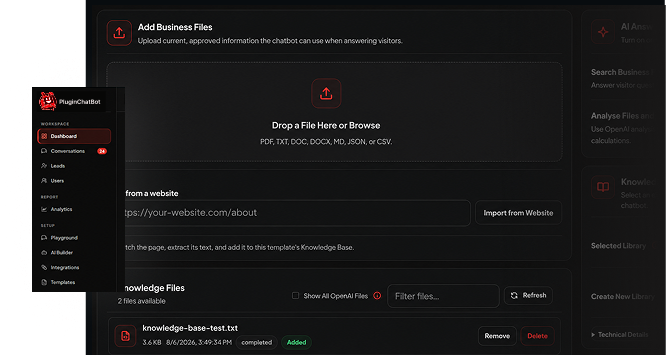
Upload approved business documents and give your chatbot access to the information it needs. Help visitors receive clearer, more relevant answers based on your products, services, policies, procedures and customer support content.





Give your chatbot business-specific knowledge
General AI knowledge may not include the details that make your business different. The PluginChatBot Knowledge Base allows your chatbot to search approved company information when preparing its responses.
Provide information about your services, products, pricing, policies and processes.

Help the chatbot focus on information that is relevant to your organisation.

Give visitors answers based on the same approved material used by your team.

Explain detailed services, technical products and unique business requirements more clearly.
Set up your Knowledge Base easily
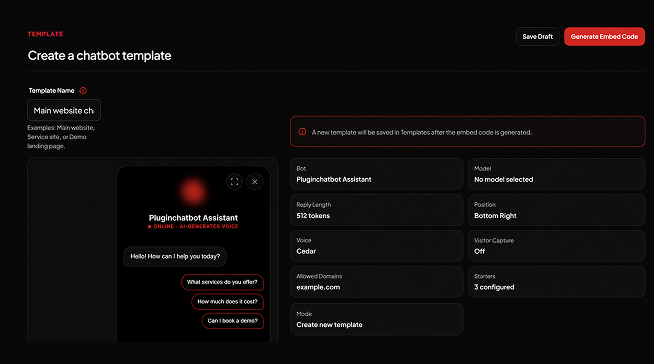
Add business information using the supported file formats available in PluginChatBot.
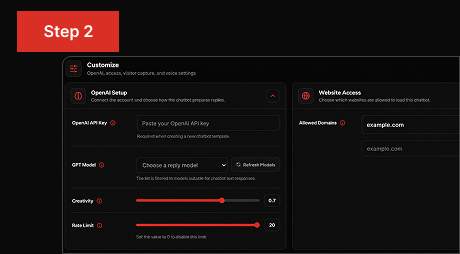
Choose which chatbot is allowed to search and use the uploaded information.
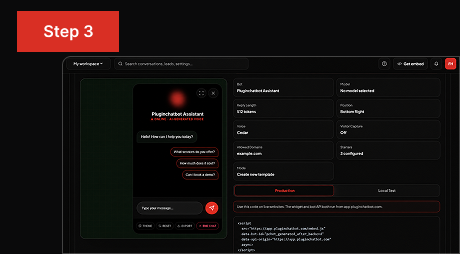
Test chatbot responses, review connected files and replace information when your business changes.
Keep information current
Business information changes over time. Products are updated, policies change and new customer questions appear. PluginChatBot makes it easier to review and update the knowledge available to your chatbot. Keeping your Knowledge Base current helps visitors receive clearer information while giving your business greater control over what the chatbot can use.
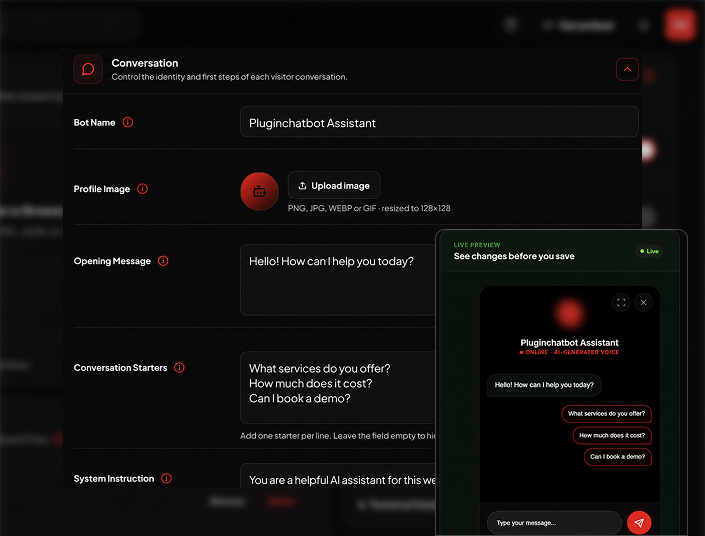
Centralised knowledge management
Manage uploaded business information directly from the PluginChatBot App and keep track of the documents available to each chatbot.
Add current, approved information in commonly used file formats.
See which files are currently available to each chatbot.
Disconnect documents that should no longer be used.
Upload newer versions when products, services, policies or procedures change.
Choose whether the chatbot should search uploaded documents when preparing an answer.
 What is the PluginChatBot Knowledge Base?
The Knowledge Base allows your chatbot to search and use approved business documents when preparing answers for website visitors.
Why should I use a Knowledge Base?It helps your chatbot give clearer, more relevant answers based on your own approved business information instead of general knowledge alone.
 What information can I upload?
Product details, services, pricing, policies, procedures and customer support content that you want the chatbot to use.
Which file formats are supported?Commonly used document formats. You can add your approved business files directly from the PluginChatBot App.
 Can each chatbot have a different Knowledge Base?
Yes. You can choose which uploaded files each chatbot is allowed to search and use.
 Can I choose which files a chatbot can use?
Yes. You control which connected documents are available to each chatbot.
 Can I review the knowledge connected to a chatbot?
Yes. You can see which files are currently connected and available to each chatbot.
Can I remove or replace outdated documents?Yes. You can disconnect old files and upload newer versions when your information changes.
Can the chatbot work with structured information?Yes. You can add structured business information so the chatbot can use it when preparing answers.