
Continue with Human Support
Allow visitors to request help from a team member when personal assistance is needed.
Connect your customer conversations
Connect website conversations with live messaging channels and your CRM. PluginChatBot integrations help your team continue customer enquiries beyond the website and keep important contact information connected.
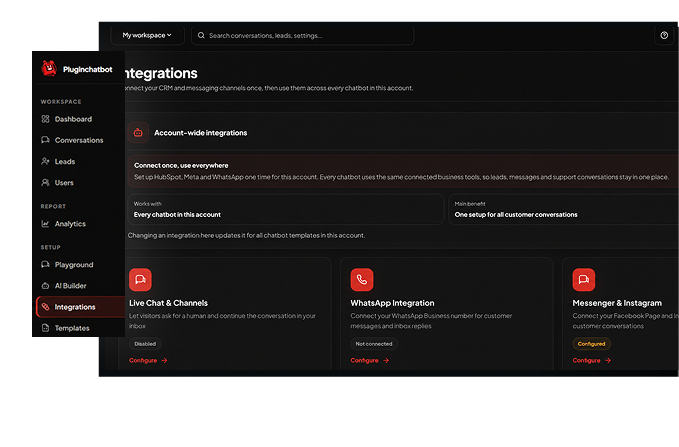







Connect your chatbot to your business
A customer journey does not always end with an AI response. Visitors may need to speak with your team, continue through a preferred messaging channel or have their details recorded for follow-up. PluginChatBot integrations connect these steps, creating a smoother experience for visitors and a clearer customer journey for your business.
Allow visitors to request help from a team member when personal assistance is needed.

Extend customer communication through WhatsApp Business, Facebook Messenger and Instagram Messaging.

Connect HubSpot to make captured contact information available within your sales workflow.

Configure major CRM and messaging integrations once from your PluginChatBot account.
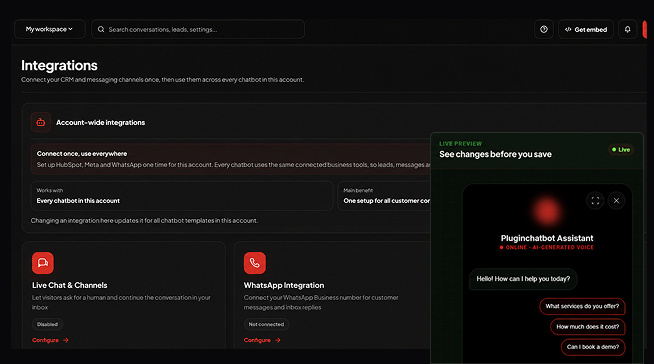
One connected customer journey
The chatbot welcomes the visitor, answers common questions and helps them find relevant information.
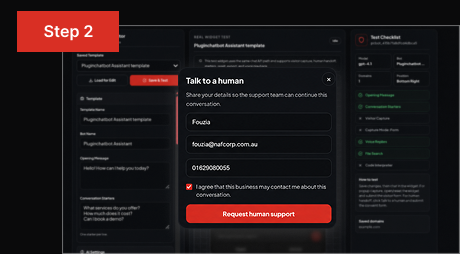
The visitor can request human support or continue communicating through a connected messaging channel.
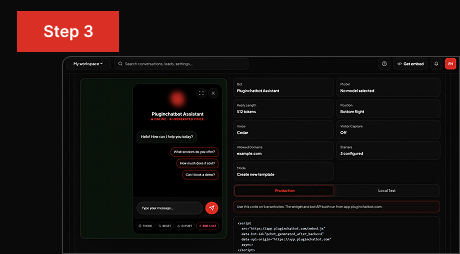
Captured contact details can be sent to HubSpot so your sales or service team can manage the next step.
WhatsApp and social messaging
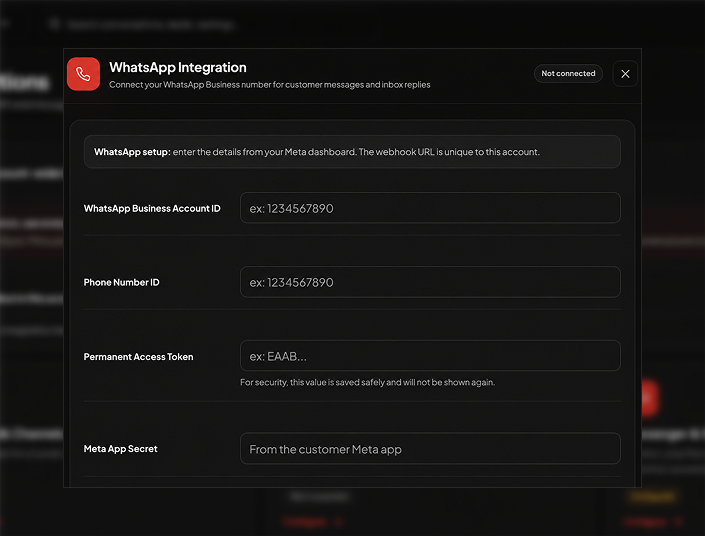
Customers may prefer to communicate through the messaging platforms they already use. PluginChatBot supports connections with WhatsApp Business, Facebook Messenger and Instagram Messaging to create a more flexible communication journey.
Connect leads to your CRM
Connect PluginChatBot Lead Capture with HubSpot to move visitor contact information into your CRM. This reduces the need to copy details manually and helps your team access new enquiries within its existing sales or service workflow.
Send captured visitor information to HubSpot when the integration is configured.
Avoid repeatedly transferring lead details between your website chatbot and CRM.
Make new lead information available to the team responsible for continuing the conversation.
Turn chatbot engagement into contact records your business can manage and follow up.
 What are PluginChatBot integrations?
Integrations connect website chatbot conversations with supported communication channels, human support tools and CRM workflows.
 Which integrations does PluginChatBot support?
HubSpot CRM, WhatsApp Business, Facebook Messenger, Instagram messaging and live chat human handoff.
 Are integrations configured for every chatbot separately?
Connections are made at the account level and can be applied across your chatbots.
Can each chatbot have different Live Chat settings?Yes. Live chat availability and handoff behaviour can be configured per chatbot.
Can visitors request a human agent?Yes. Visitors can ask to speak with a real team member whenever they need extra help.
 Can PluginChatBot connect with WhatsApp Business?
Yes. You can connect WhatsApp Business to continue conversations on WhatsApp.
 Does PluginChatBot support Facebook Messenger?
Yes. Messenger can be connected so conversations continue on Facebook.
 Can PluginChatBot connect with Instagram Messaging?
Yes. Instagram Direct messaging can be connected so conversations continue on Instagram.
 Can captured leads be sent to HubSpot?
Yes. Captured contact details and conversation context can sync to HubSpot automatically.
Does HubSpot replace lead management in PluginChatBot?No. HubSpot receives captured leads; PluginChatBot continues to store and show your captured leads too.
Can I use integrations across different customer journeys?Yes. The same connected tools can support support, sales and lead-generation journeys.


