

Automatically Synchronise Leads
Send captured names, email addresses, phone numbers and enquiry details directly to HubSpot.
Connect Chatbot Leads with Your CRM
Automatically send captured leads, contact details and conversation context from PluginChatBot to HubSpot CRM. Create new contacts or update existing records, reduce manual data entry, and help your sales or support team follow up faster.
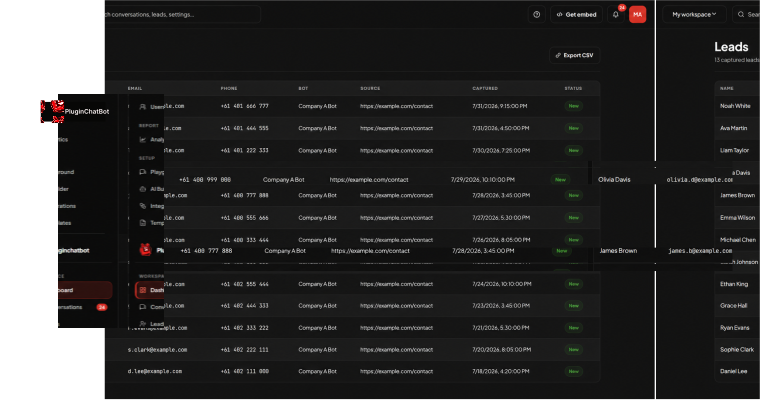







Follow our step-by-step video to connect your HubSpot account, enable lead synchronisation, and start sending chatbot leads directly to your CRM.
Turn Conversations into Organised Leads
When a visitor shares their contact information through PluginChatBot, the details can be automatically sent to your connected HubSpot account. This keeps customer information organised and removes the need to copy every enquiry into your CRM manually.
Send captured names, email addresses, phone numbers and enquiry details directly to HubSpot.

Create new HubSpot contacts or update existing records when matching customer information is found.

Attach chatbot conversations to contact records so your team can review what the customer discussed.

Provide a clear summary of each enquiry, helping your team understand the customer’s needs quickly.
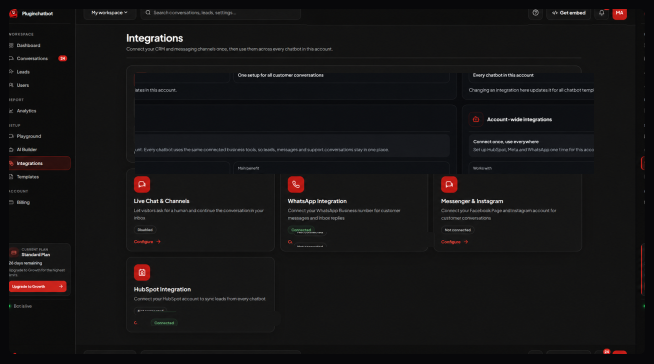
Easy HubSpot CRM Setup
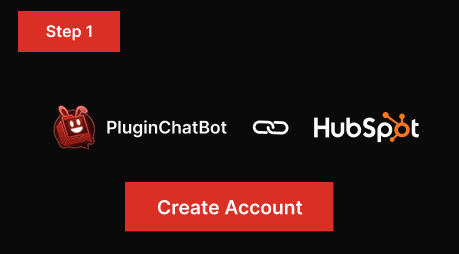
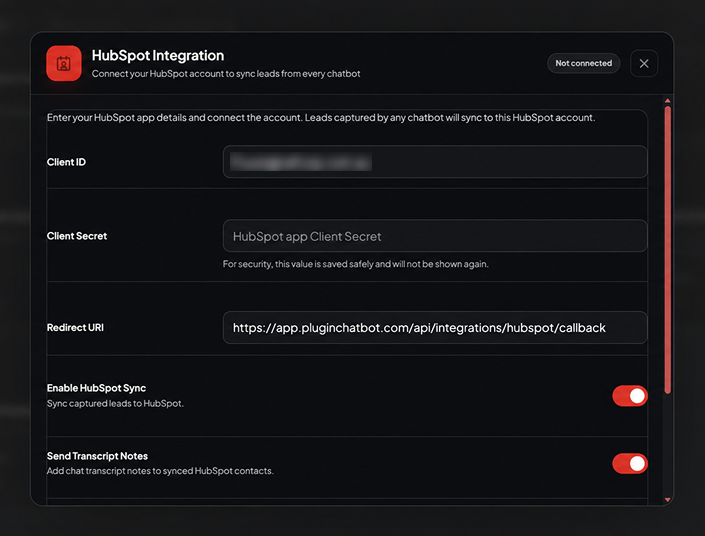
Connect your HubSpot account to PluginChatBot and authorise the integration.
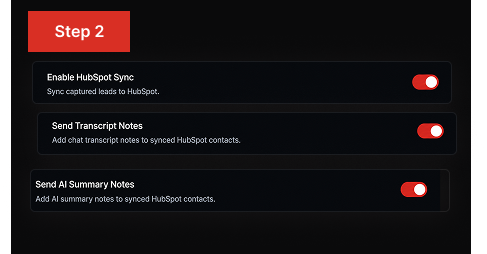
Set up the integration to send captured contact details, conversation transcripts and AI-generated summaries to HubSpot.
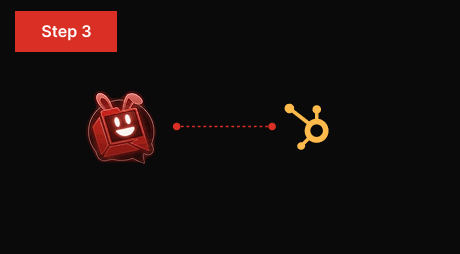
Submit a test enquiry, confirm that the contact is created or updated correctly, and begin synchronising new leads.
Collect Visitor Details for Follow-Up
Help your sales and support teams understand every website enquiry before contacting the customer. PluginChatBot sends captured details, conversation transcripts and AI-generated summaries to HubSpot, keeping the complete context connected to the contact record.
Everything You Need for Better Follow-Up
Keep every captured lead, transcript and summary connected to the right HubSpot contact, so your team always works from one accurate source of truth.
Update matching contacts instead of creating unnecessary duplicate records in HubSpot.
Give sales and support teams the customer details and conversation context they need to respond confidently.
Remove repetitive copying between PluginChatBot and HubSpot, saving your team valuable time.
Keep leads captured through your PluginChatBot experiences organised in one connected HubSpot account.
 What does the PluginChatBot HubSpot integration do?
It sends captured customer details and useful conversation information from PluginChatBot to your connected HubSpot CRM account.
Can PluginChatBot automatically send leads to HubSpot?Yes. Captured names, emails, phone numbers and enquiry details are sent to HubSpot automatically.
Can the integration create new HubSpot contacts?Yes. It creates new HubSpot contacts from chatbot conversations.
Can existing HubSpot contacts be updated?Yes. When matching customer information is found, existing records are updated instead of duplicated.
Can chatbot transcripts be added to HubSpot?Yes. Conversation transcripts can be attached to the contact record so your team can review what was discussed.
What is an AI-generated conversation summary?A short, clear summary of each enquiry that helps your team quickly understand what the customer needs.
 How does the integration help my team follow up faster?
It gives sales and support teams the customer details and conversation context they need to respond confidently.
Does the integration reduce manual data entry?Yes. It removes repetitive copying between PluginChatBot and HubSpot, saving your team time.
 What do I need to use the integration?
A HubSpot account connected and authorised with your PluginChatBot account.